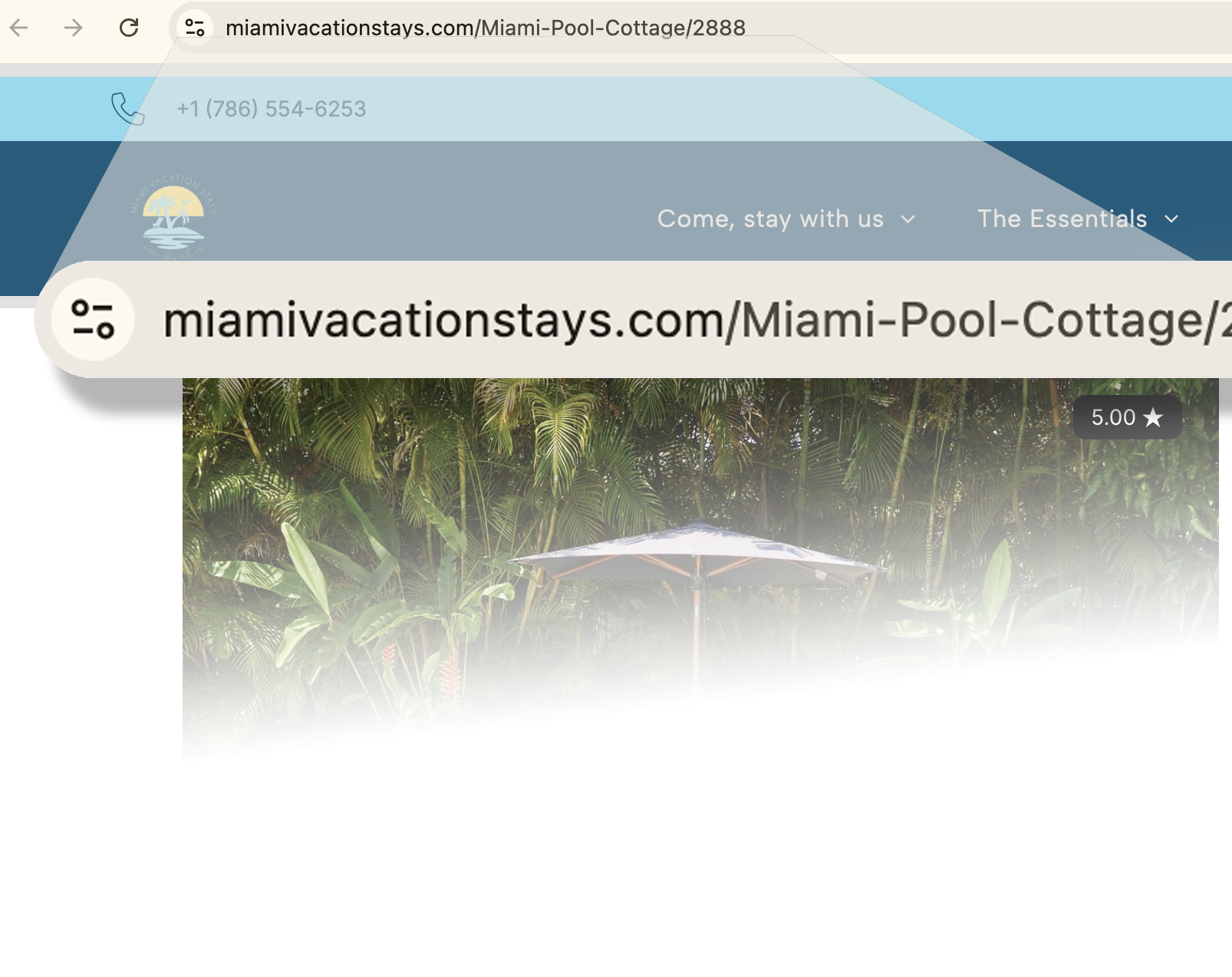
No more subdomain for your listing pages!
Listings can finally be displayed in our direct booking URL; no more subdomain needed to get the new builder to work with the old pages.
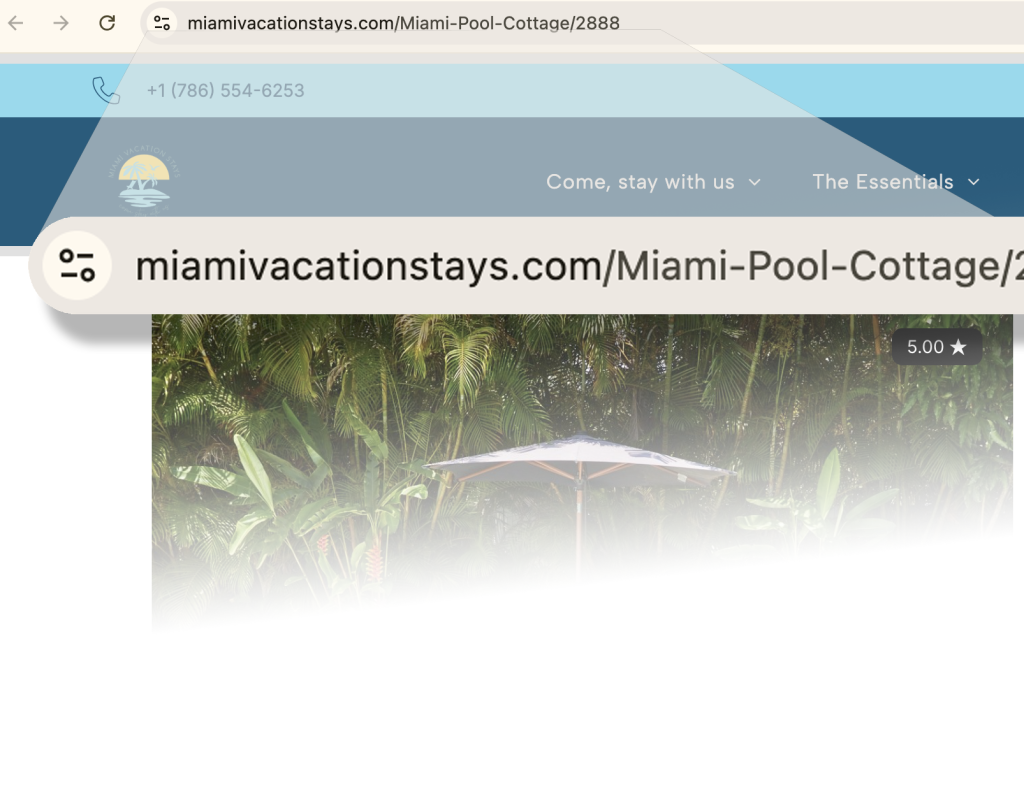
That's great news for SEO and our guests. I always feel a little queasy when I get redirected to a different domain, especially when payments are involved, since the design was also hard to replicate with the old website builder.
Today, Hostaway announced that our listings are now dynamically displayed directly in the main URL.
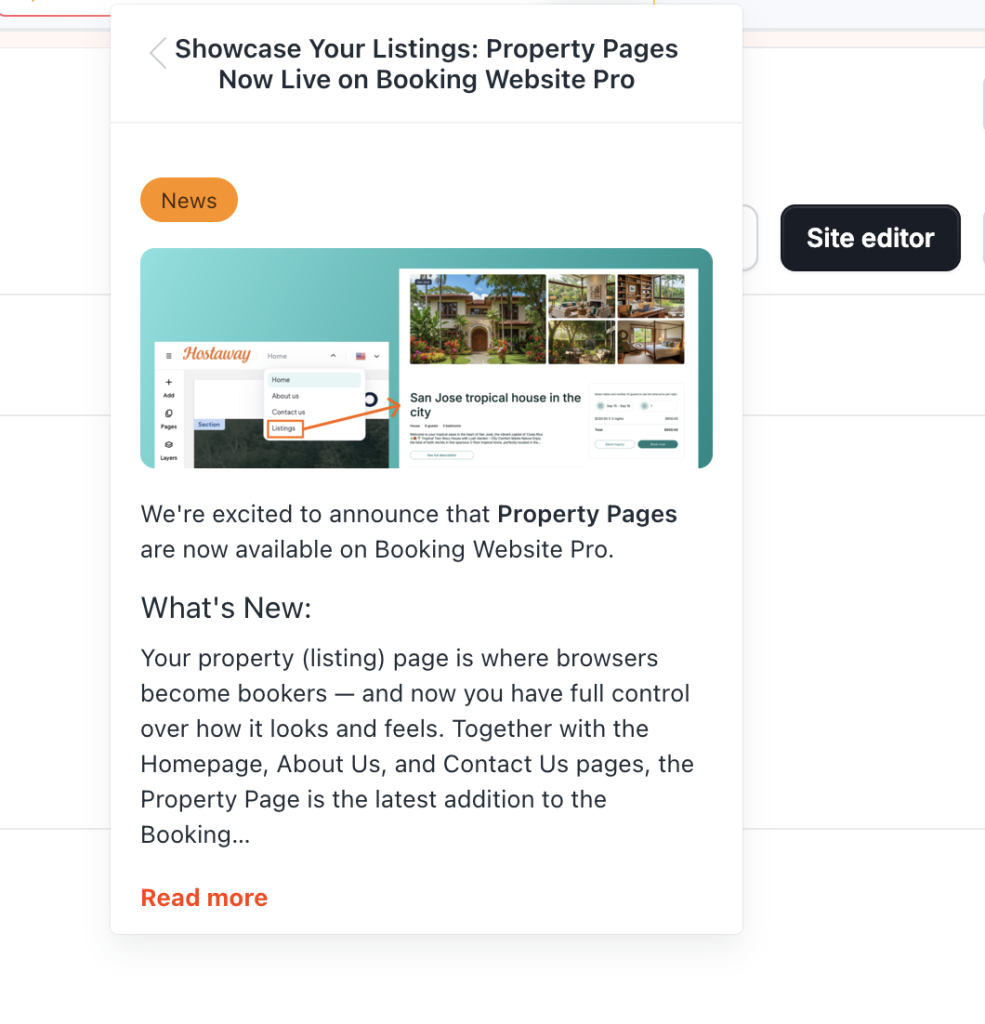
Here's what you need to do:
- Add a page for each property.
Go to the site editor for your direct booking website in Hostaway. - Go to the Pages Tab and add a page.
- Click the teal 'Add Page' button.
- Select 'Page Builder'.
- Scroll down to 'Property Listings' (Hostaway mistakenly calls it "Property Page" in the announcement).
- Select any of the single property page templates (there are three).
- Name your page and the URL.
- Select the home to import to the page.
A drop-down at the top of the page displays your property's ID; select the one you want to feature on this page. Hostaway will populate everything on this page from the PMS.
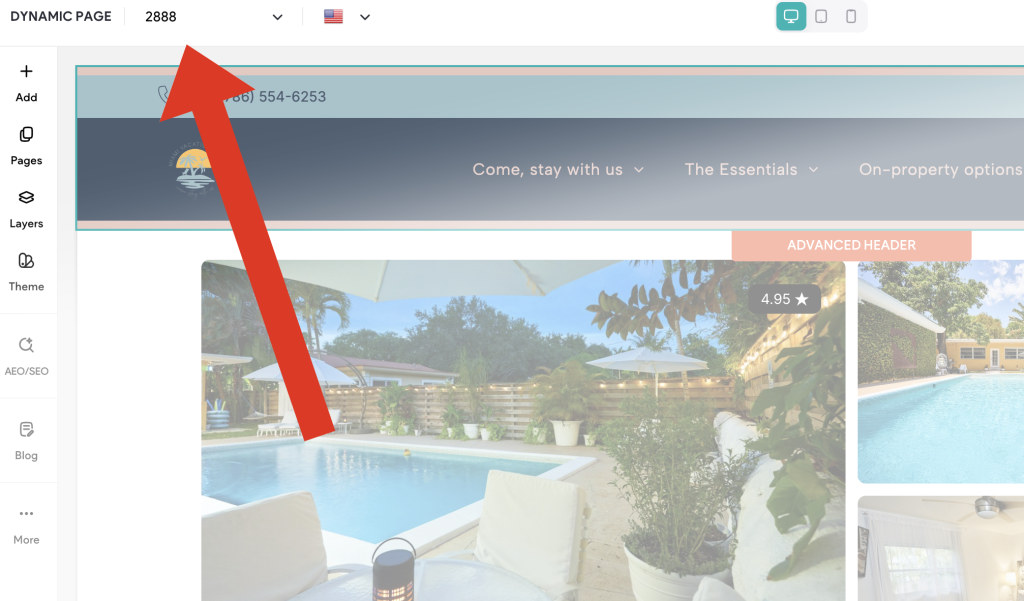
The page will automatically link to the 'Property Carousel' that's on your homepage and used to link to your listing page on your subdomain. Now it's part of your main URL; you can design the page like all the other pages,